









Semi-Truck & Fleet Camera System: Multi-Camera Recording, GPS, 4G Remote View & 360° Coverage
What is a Semi-Truck Camera System?
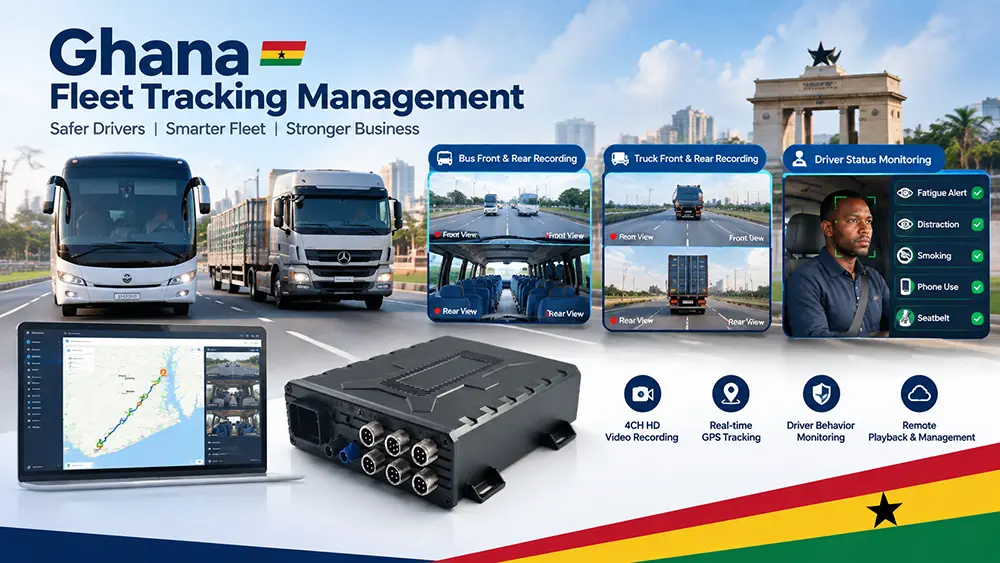
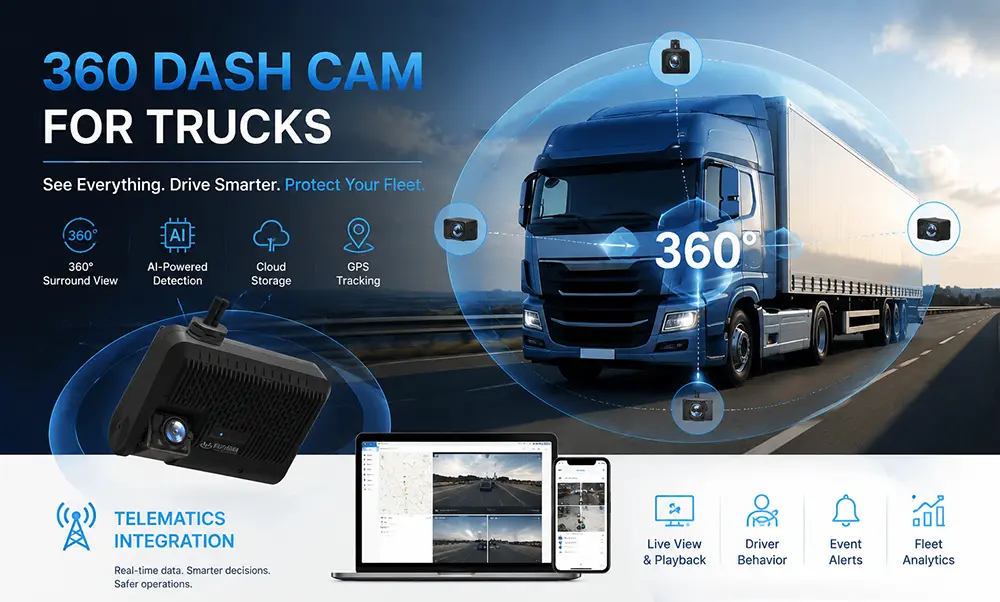
A semi-truck camera system is a multi-camera video platform designed for commercial vehicles. It integrates video signals from multiple viewing angles—such as the road ahead, sides, rear, cargo area, and driver—into a Mobile Digital Video Recorder (MDVR). This setup overlays GPS location and time data, with optional features including 4G remote playback and AI driver monitoring.
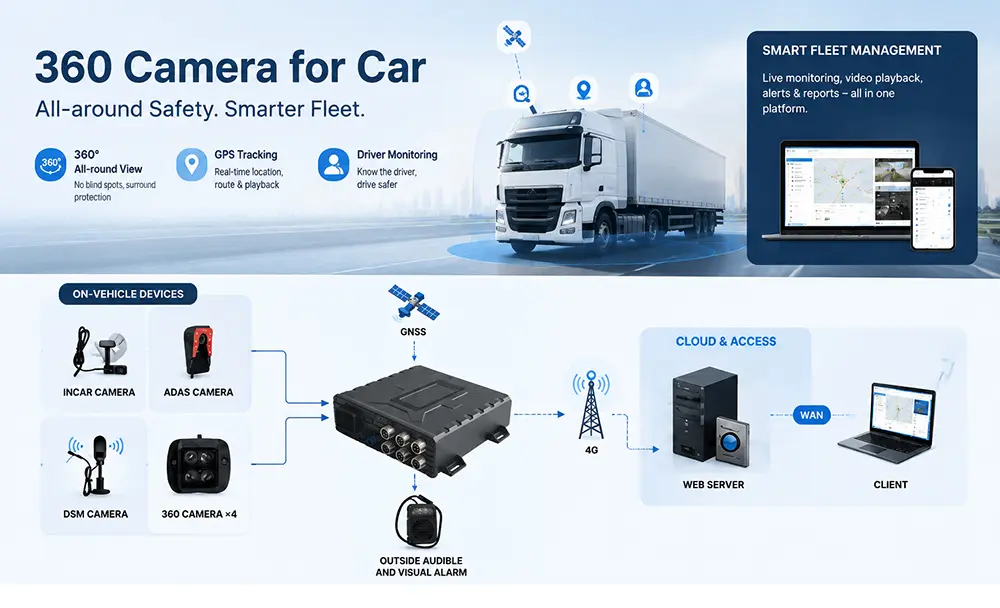
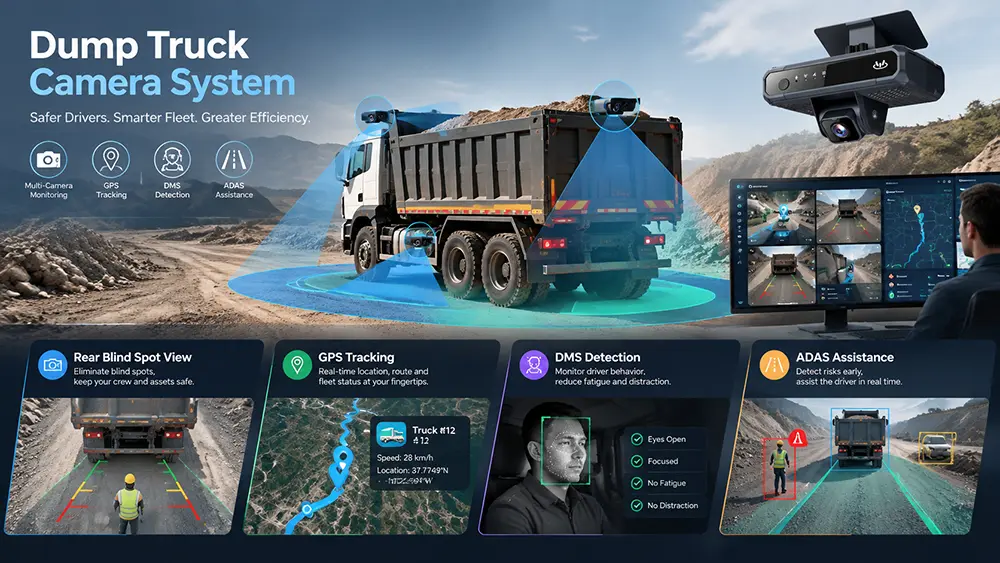
YUWEI provides configurable camera system solutions for semi-trucks, 18-wheelers, box trucks, trailers, and utility fleets. These systems address issues such as blind-spot lane changes, reversing and hitching, cargo monitoring, accident evidence collection, driver behavior management, and remote fleet video review.
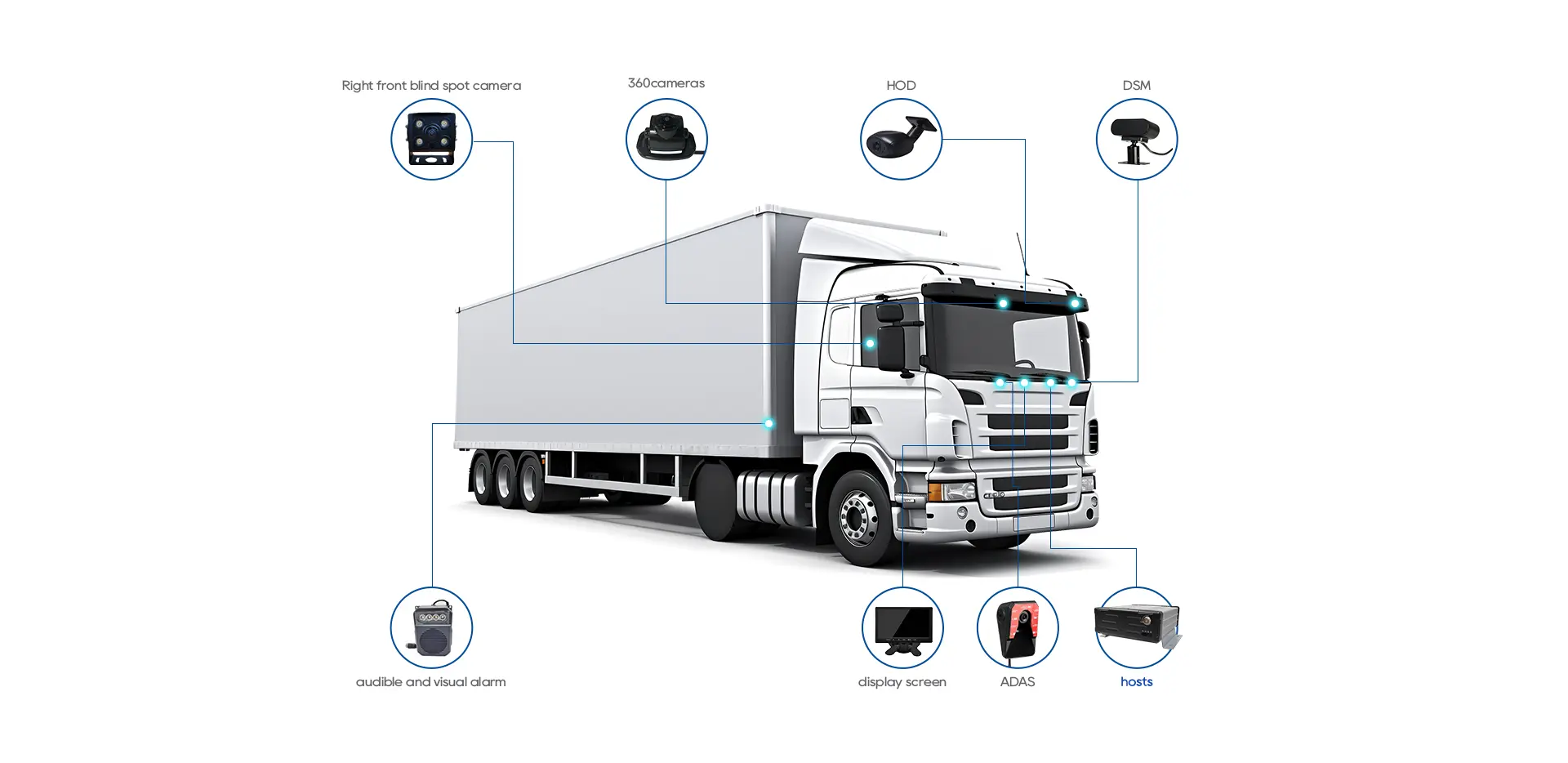
What Components are Included in a Fleet Camera System?
Select Camera Types by Installation Position
Semi-Truck Rear-View Camera
Installed at the rear of the cabin or the end of the chassis to provide the driver with a clear rear view. Suitable for reversing, hitching trailers, and low-speed maneuvering in narrow yards. Features include a wide-angle lens, infrared night vision, and IP69K waterproofing.
Truck Side-View Camera
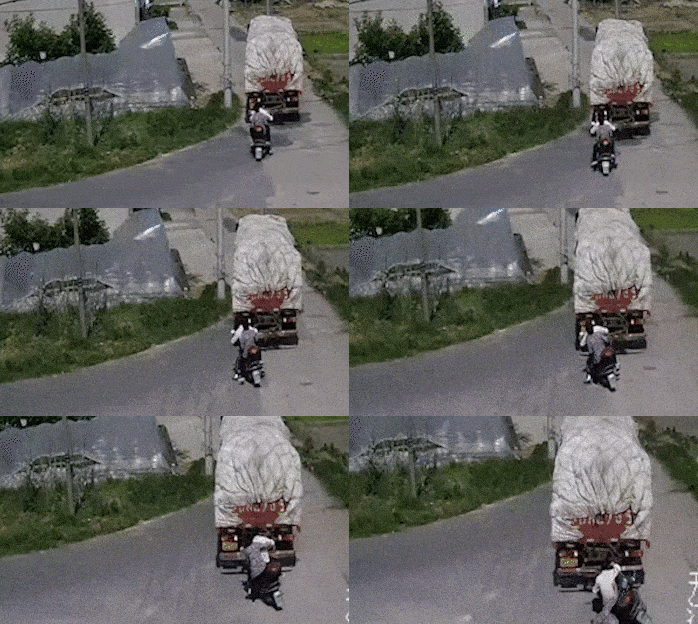
Can be installed on rearview mirror arms, doors, or the sides of the vehicle. Side-view cameras significantly reduce right and left blind spots when a semi-truck is turning, changing lanes, or merging. Available in surface-mount or mirror-integrated designs.
Dash/Road Camera
Faces the road ahead to record the critical 20–30 seconds before an accident. Can be configured as single or multi-channel and records synchronously with the MDVR.
Cargo/Trailer Dome Camera
Installed inside the trailer or on the roof of the cargo box to monitor cargo status, loading/unloading processes, and door openings. Features a wide-angle lens, infrared night vision, and an anti-shock design.
Driver Monitoring Camera (AI DMS)
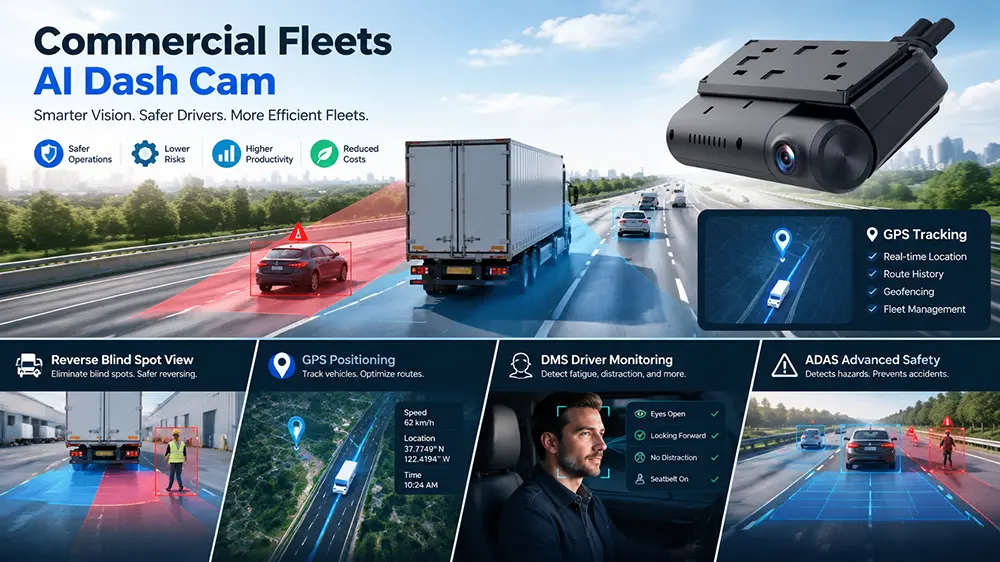
Faces the driver and supports AI recognition for fatigue driving, distraction, phone usage, and smoking.
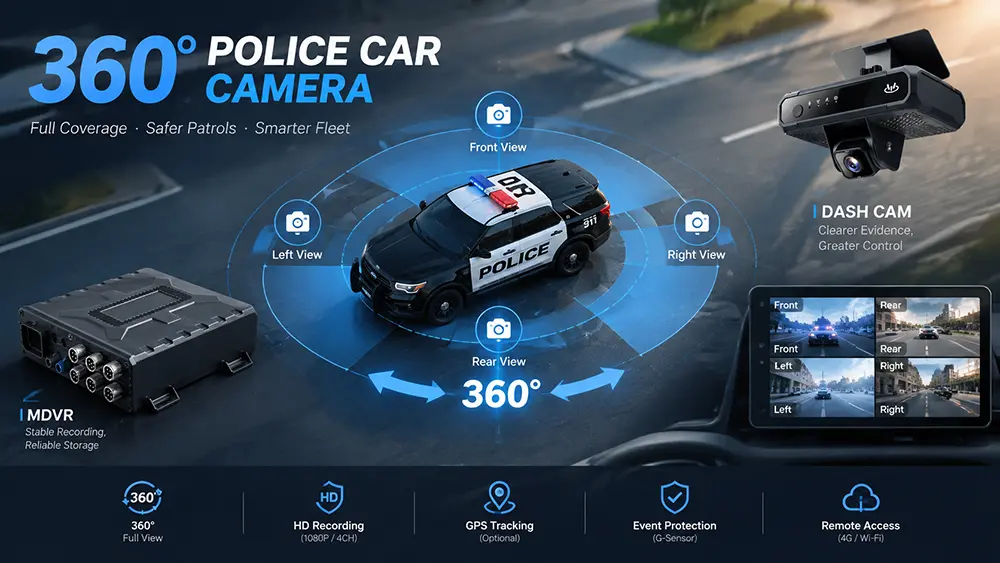
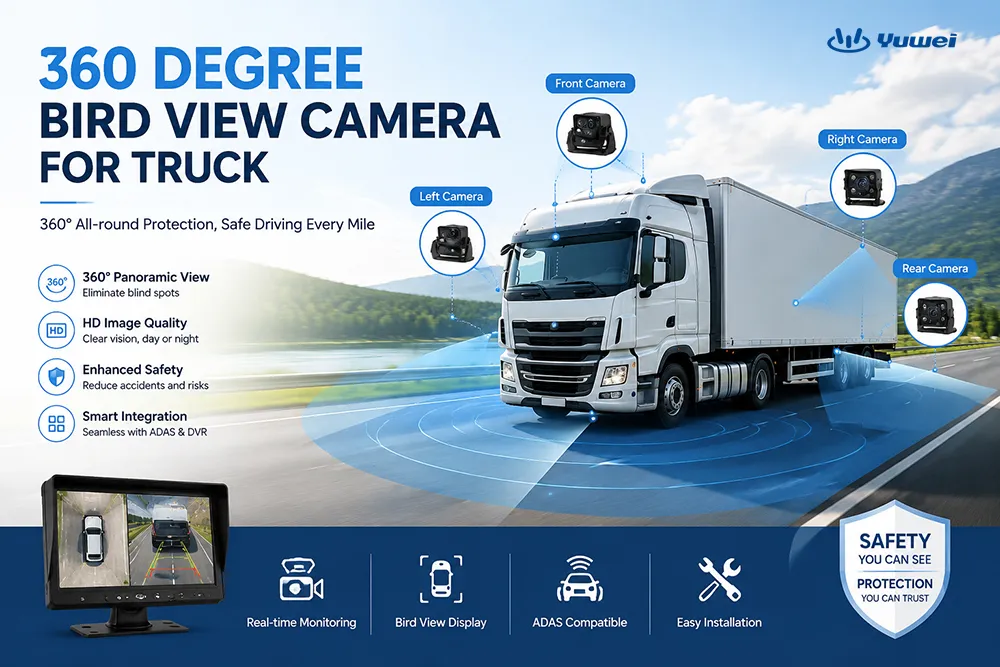
360° Surround View Camera System
Captures footage from four wide-angle cameras (front/left/right/rear), which the ECU stitches into a bird's-eye view. Suitable for low-speed scenarios such as loading docks, parking lots, and city delivery. Note: The 360° surround system is typically used as a visual assist and cannot replace a dash cam for evidence recording; it is recommended to be used in conjunction with an MDVR.
Fleet Dash Cam vs. MDVR
Selection Advice:
1.1–2 vehicles, only road evidence needed → Single-channel LTE dash cam
2.4+ channels, requires complete blind-spot coverage → MDVR system
3.Tractor + trailer combination → 6–8 channel MDVR
GPS Video and Remote Fleet Management
Synchronizing video footage with GPS location, speed, and time is a core capability of fleet video systems:
1.Automatic Event Upload: Automatically uploads critical clips triggered by collisions, hard braking, door openings, or AI alerts.
2.Trajectory Playback: View vehicle routes on the CMS map and click any specific moment to retrieve the corresponding video.
3.Bandwidth Optimization: The 4G network is not used for continuous real-time transmission of four 1080p feeds; instead, it uploads event clips on demand, while local MDVR storage serves as the primary evidence source.
4.Permission Management: View permissions can be assigned by role for dispatchers, safety officers, and maintenance supervisors.
360° Surround View System
Recommended Configurations by Fleet Type
Long-Haul Semi-Trucks (OTR)
1.Cameras: Front-facing + driver side + right blind spot + rear-view (4 channels)
2.Recording: 4CH MDVR, dual SD cards, 7–10 days local retention
3.Remote: 4G + CMS, automatic event upload
4.Optional: AI DMS driver monitoring
Box Trucks / City Delivery
1.Cameras: Front-facing + rear-view + left side + right side (4 channels)
2.Monitor: 7–10 inch in-cabin monitor
3.Recording: 4CH MDVR, cloud storage for 14–30 days
4.Focus: Frequent start-stops, blind-spot turning, cargo safety
Tractor + Trailer Combinations
1.Cameras: Tractor 4 channels + Trailer 2 channels (Cargo + Rear-view)
2.Wiring: Waterproof aviation connectors used between tractor and trailer
3.Power: Trailer cameras powered by the tractor or via an independent trailer power supply
4.Recording: 6–8CH MDVR
Utility / Municipal Fleets
1.Cameras: Front-facing + rear-view + equipment operation area
2.Accessories: Reinforced brackets, anti-vibration cables, washdown protection
3.Recording: MDVR + GPS, primarily local retention
Key Specifications for Buyers to Consider
Installation and Wiring Planning
1.Determine Channel Count: Calculate the number of cameras needed first, then select the MDVR model.
2.Camera Positioning: Front-facing (behind windshield), side-view (mirrors/doors), rear-view (rear of chassis), cargo area (inside trailer roof).
3.Long-Distance Wiring: Use waterproof aviation connectors between the tractor and trailer, leaving a 1–2 meter slack.
4.Power Design: Ignition trigger + delayed power-off (continues recording for 10–30 minutes after engine off) + low-voltage protection.
5.Monitor Installation: Must not obstruct the driver’s line of sight; ensure anti-glare and anti-vibration mounting.
6.Remote Configuration: Define which events require automatic uploading (collisions, hard braking, AI alerts) to avoid wasting 4G data.
Process from Sample to Mass Deployment
Case Reference
A logistics fleet in Thailand (25 semi-trucks) deployed a 4-channel MDVR + side-view/rear-view/cargo cameras. Within 90 days, the fleet used video evidence to resolve 6 reversing accident disputes, 2 cargo loading/unloading controversies, and 1 left-turn crash-for-cash (insurance fraud) claim.
Fleet Safety System vs. Basic Camera Kit
About YUWEI
YUWEI specializes in commercial vehicle video surveillance systems, providing complete solutions including in-vehicle cameras, MDVRs, 360° surround view systems, AI DMS, and fleet management platforms for industries such as logistics, transportation, municipal services, and construction. Our products are CE, FCC, and RoHS certified and support OEM/ODM customization.
Contact us: Provide your vehicle model, camera requirements, recording duration needs, monitor size, and installation photos, and we will create a tailored configuration proposal for you.
Email:hello@yuweitek.com