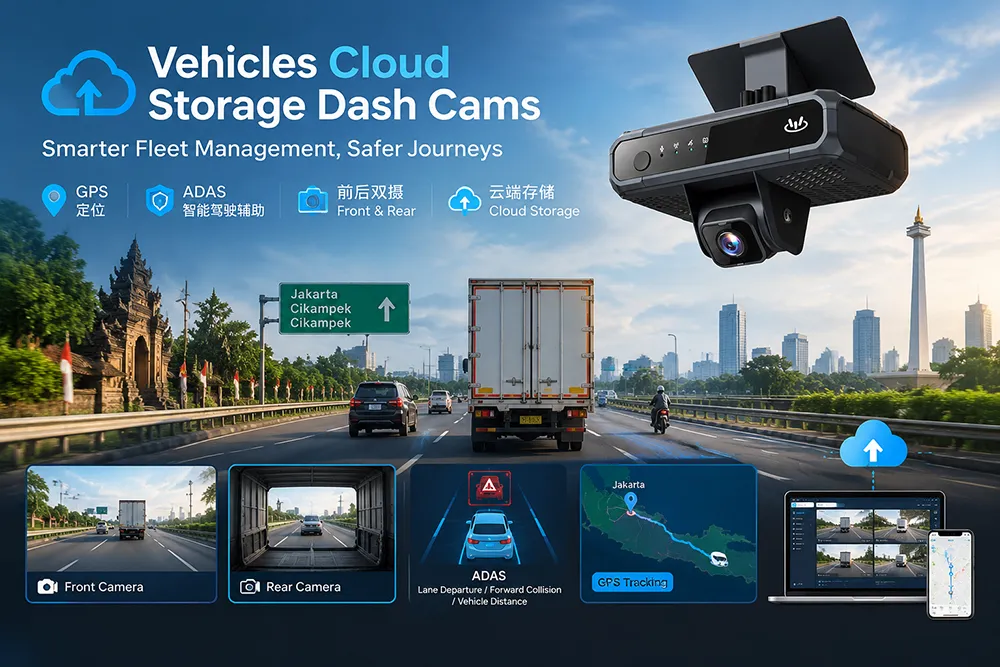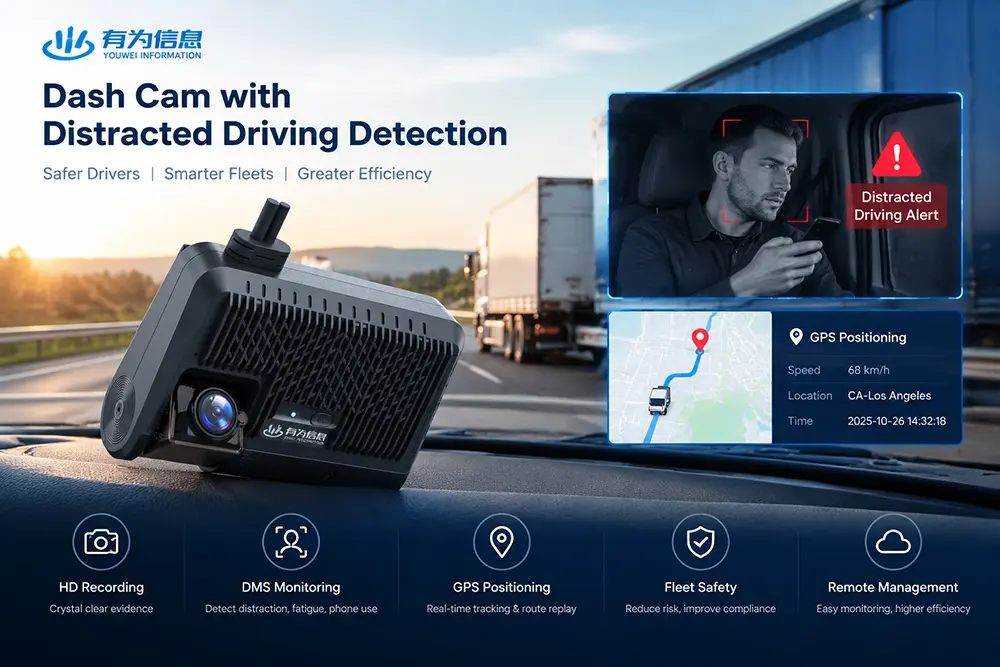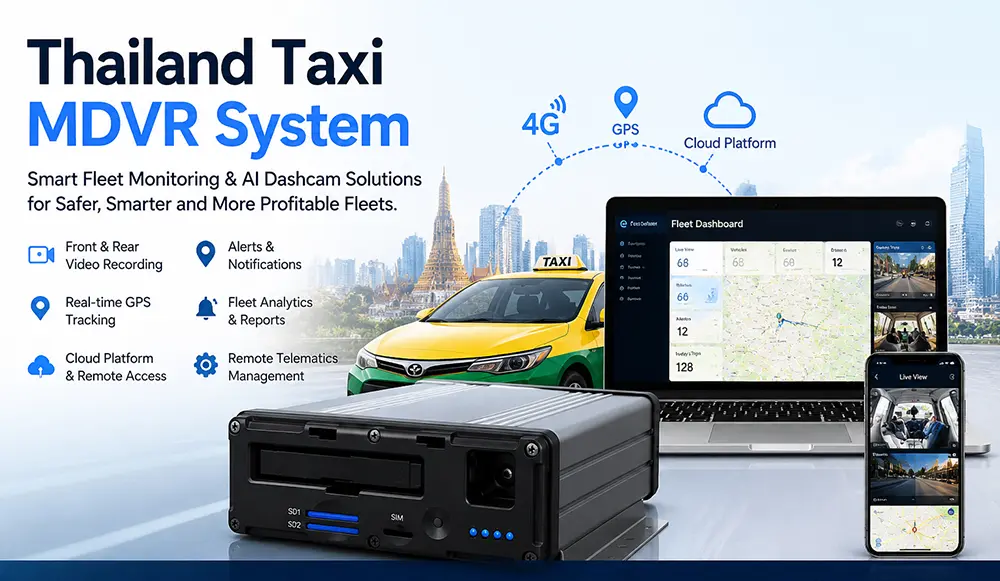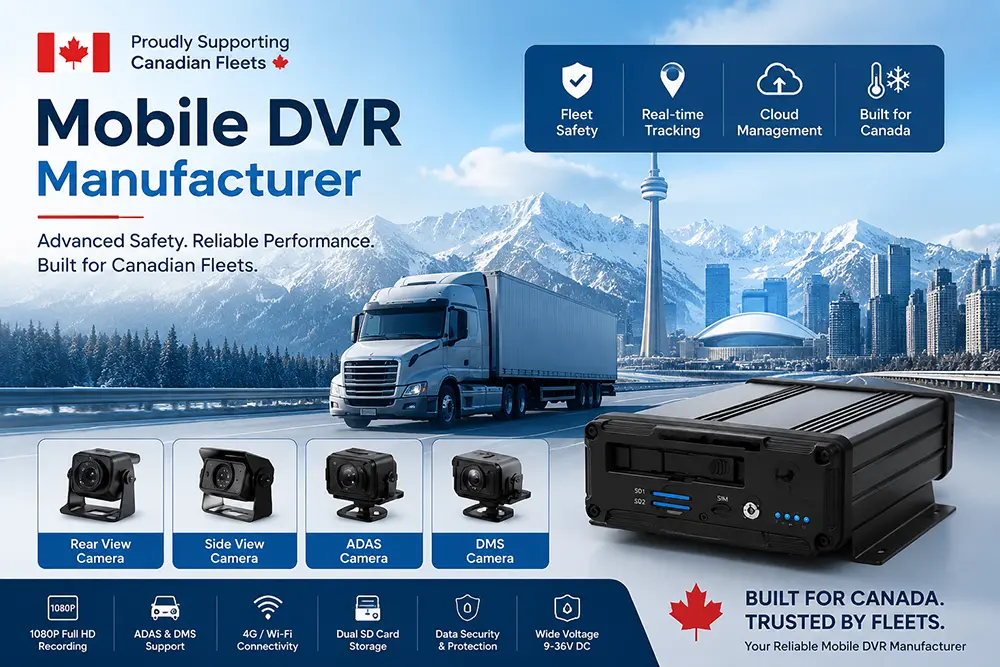












What is a Fleet In-Vehicle DVR Camera System?
What is an In-Vehicle DVR?
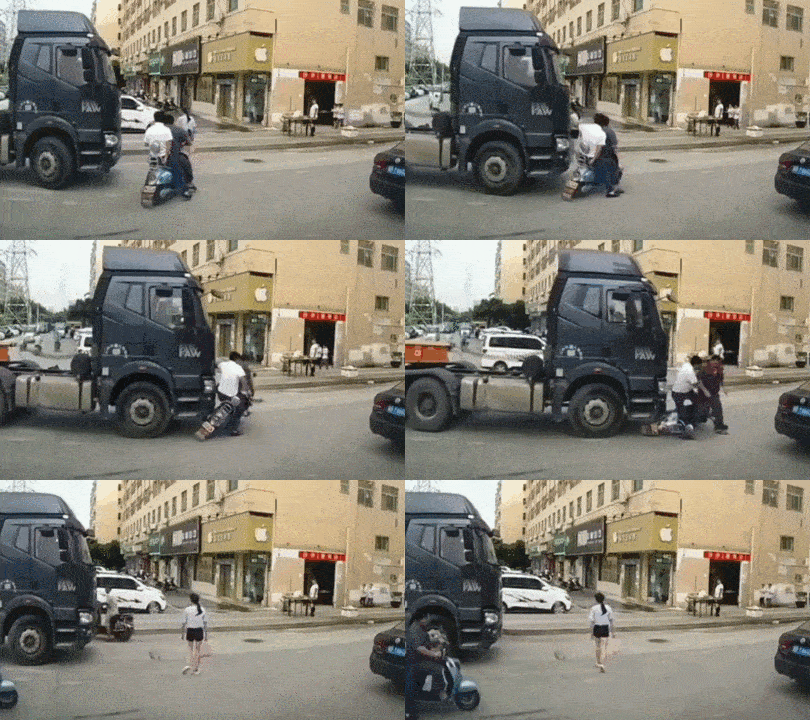
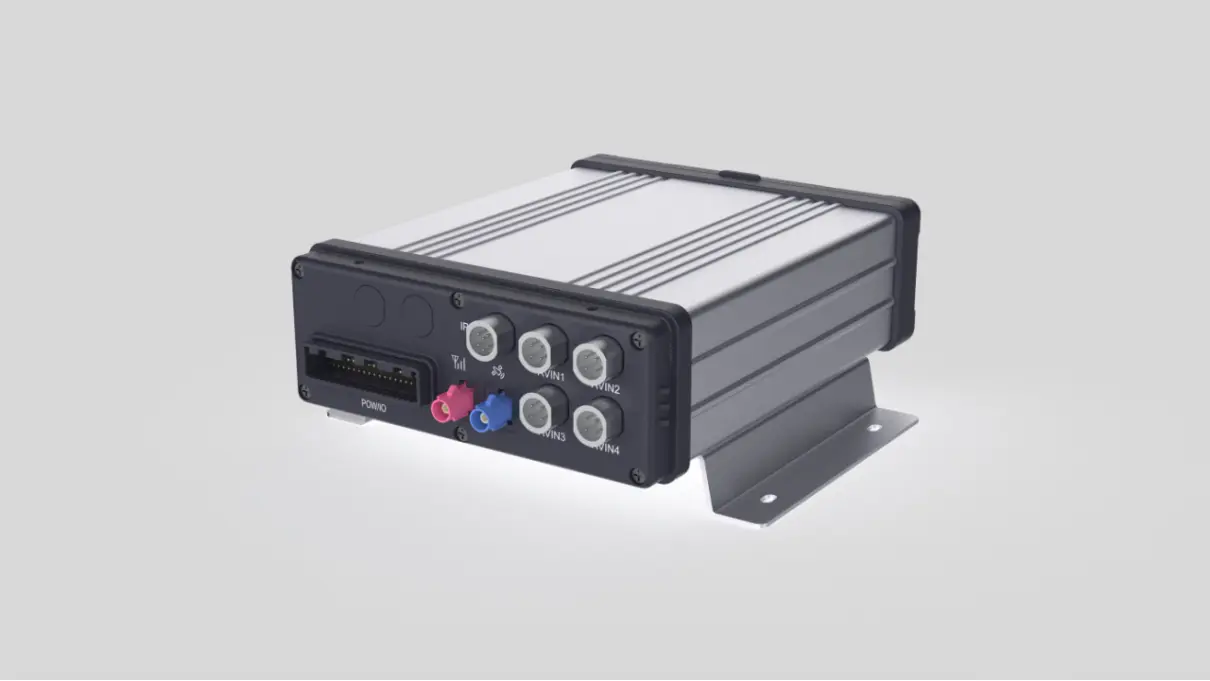
An in-vehicle DVR is used to store video from one or more vehicle-mounted cameras. While private cars can use simple dashcams, commercial fleets require a robust, multi-camera evidence platform.
A professional fleet DVR system features:
1.Multi-channel synchronized recording: 4 to 8+ channels.
2.Automotive-grade hardware: Compliant with MIL-STD-810G vibration standards, with operating temperatures ranging from -30°C to 70°C.
3.Secure storage: Lockable SD card/HDD/SSD, event file protection.
4.Data fusion: Synchronized association of video with GPS, speed, G-sensors, and CAN bus data.
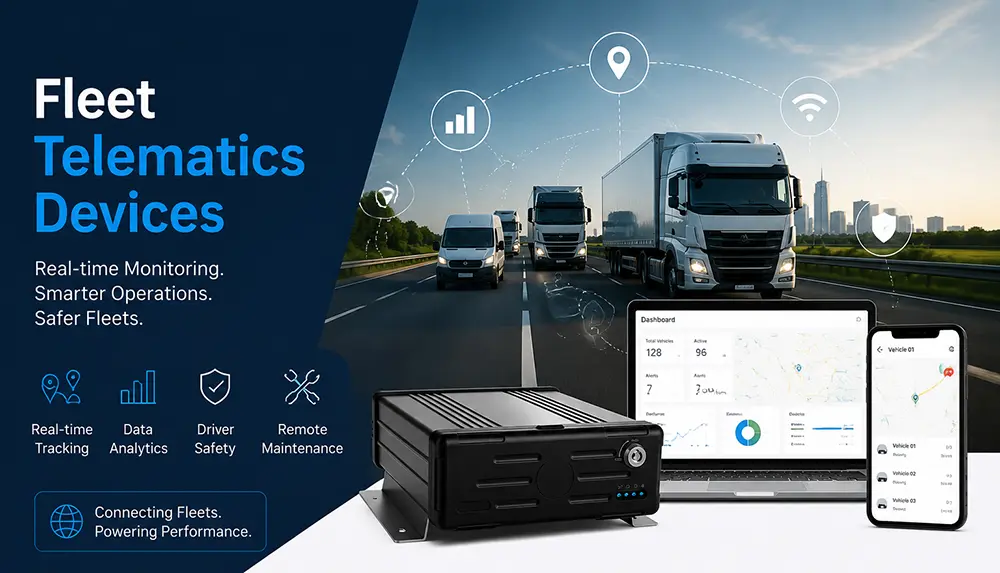
Fleet MDVR vs. Standard Dashcam: Which is Right for You?
Key Takeaway: Choose a standard dashcam if you only need protection against crash-for-cash scams. If you need to handle insurance claims, protect cargo, monitor drivers, or manage a large fleet, a professional MDVR is the only reliable choice.
How an MDVR System Works
1. Video Capture and Encoding
Cameras capture raw footage, and the DVR host compresses it using H.264/H.265 encoding to balance image quality and storage space requirements.
2. Event Triggering and Tagging
The system triggers event tags via G-sensors, sudden braking, collision signals, or manual buttons. Tagged clips are automatically locked to prevent them from being overwritten by loop recording.
3. Secure Storage and Loop Recording
Standard video without triggered events is overwritten according to loop recording policies. Storage options include SD cards (small capacity), HDDs (large capacity), or SSDs (preferred for shock resistance).
4. Synchronized Data Association
Every video clip is automatically overlaid with GPS coordinates, speed, timestamps, and vehicle IDs. Some systems can read CAN bus data (such as RPM and fuel consumption) to achieve full synchronization between video and vehicle status.
5. Remote Retrieval and Download
Via 4G/5G, managers can remotely track vehicles, view live video, and download critical clips without waiting for the vehicle to return to the depot.
Industry Application Use Cases
Urban Logistics and Last-Mile Delivery
1.Pain Points: Frequent start-stops, navigating narrow roads, damaged cargo complaints.
2.Configuration: 4-channel MDVR (front view + rear view + dual side blind spots) + cargo area camera.
3.Value: Quick resolution of cargo disputes; reduction in blind-spot accidents.
Long-Haul Freight and Cold Chain Transport
1.Pain Points: Driver fatigue, cargo temperature control disputes, high-risk routes.
2.Configuration: 8-channel MDVR + driver behavior camera + cargo monitoring + 4G real-time transmission.
3.Value: Remote monitoring of driver status; evidence collection for cargo abnormalities.
Public Transit and School Buses
1.Pain Points: Passenger safety, disputes, boarding/alighting door monitoring.
2.Configuration: 8+ channel MDVR + multiple interior cameras + dedicated door cameras.
3.Value: Evidence collection for disputes; compliance auditing.
Construction and Specialty Vehicles
1.Pain Points: High vibration, harsh working conditions, high-value equipment.
2.Configuration: Shockproof MDVR + IP69K cameras + large-capacity SSD.
3.Value: Reliable operation under extreme conditions; operational process recording.
Professional In-Vehicle DVR Camera System Components
A complete system consists of the following components:
Mobile DVR Host
Processes video encoding, manages storage, coordinates GPS/G-sensor/CAN data, and supports remote communication.
In-Vehicle Cameras
1.Front View: Road conditions, 1080p minimum.
2.Rear View: Reversing assistance and rear-end collision evidence.
3.Side View / Blind Spots: Covers both sides of the vehicle.
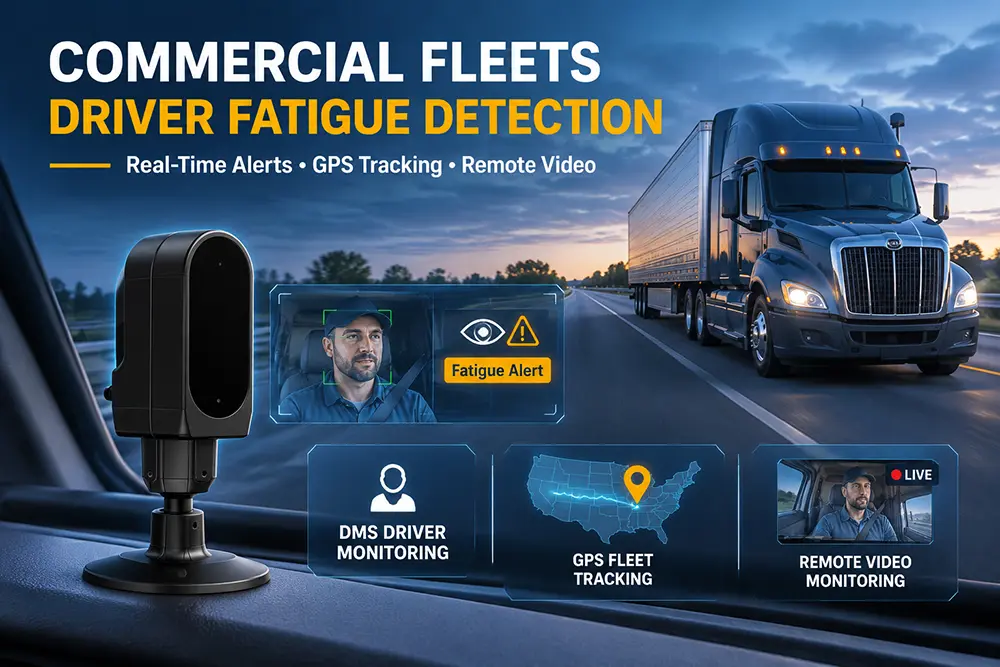
4.Interior: Driver behavior and passenger areas.
5.Cargo Area: Cargo status and loading/unloading processes.
Aviation-Grade Connecting Cables
4-pin/8-pin lockable connectors maintain stable signals in vibrating environments; waterproof and dustproof.
Power Management System
Wide voltage input (9-36V DC), low-voltage protection, delayed shutdown (ensures complete recording post-accident), and surge protection.
Storage Solutions
1.SD Card: Low cost, suitable for small deployments.
2.HDD: Large capacity; requires extra shock absorption in high-vibration environments.
3.SSD: Best shock resistance, highly recommended for heavy trucks and construction vehicles.
Driver Monitor (Optional)
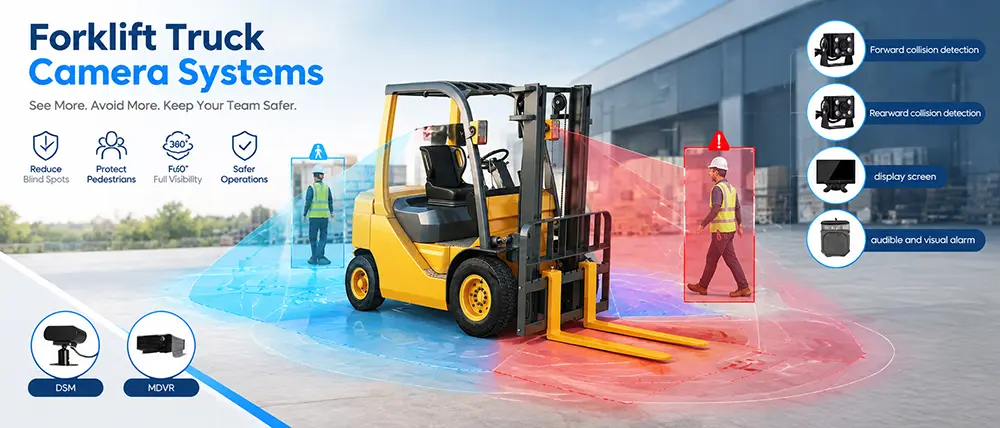
Dashboard-mounted, multi-screen split, assists with reversing and blind-spot observation.
Fleet Management Software (CMS)
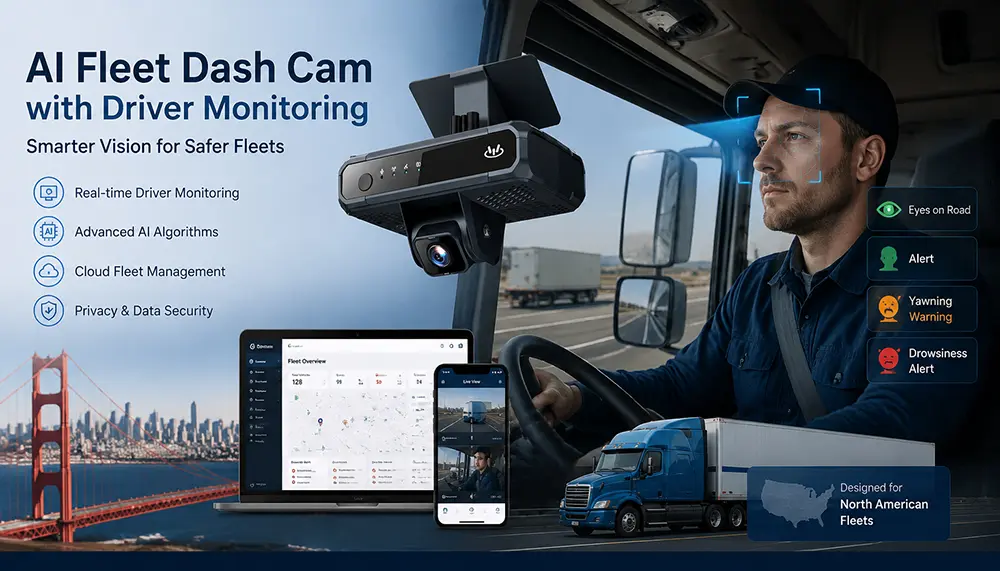
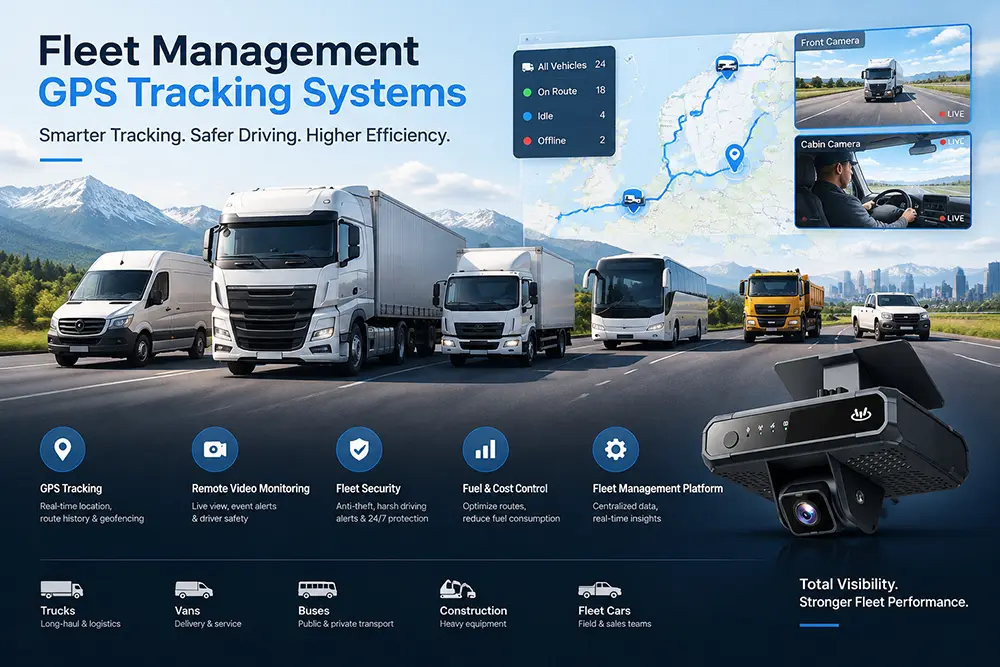
Centralized viewing of vehicle status, event retrieval, GPS trajectory playback, and alarm management.
How to Choose the Right Channel Configuration for Your Fleet
Recommendation: Choose a DVR host with slightly more channels than your current needs to reserve room for future expansion.
Key Features to Evaluate Before Purchasing
Video Resolution and Encoding
1.1080p is currently the mainstream standard.
2.H.265 encoding saves approximately 50% more storage space compared to H.264.
Low-Light and Night Vision Performance
1.Check the minimum illumination parameter (Lux value).
2.IR illuminators are crucial for nighttime monitoring.
3.WDR technology handles drastic changes in lighting.
Protection Rating (IP Code)
1.IP67: Dustproof + protection against short-term immersion.
2.IP69K: Dustproof + protection against high-pressure, high-temperature water jets.
Power and Thermal Management
1.Wide voltage input of 9-36V.
2.Delayed shutdown ensures at least 30 seconds of recording after an accident.
3.Operating temperatures must cover the extreme climates of the operational area.
Remote Communication Capabilities
1.4G LTE Cat 4 or higher.
2.GPS/GLONASS/BeiDou multi-mode positioning.
3.Dual SIM card support.
System Integration and API
1.Integration with existing Fleet Management Systems (FMS).
2.Open API supporting custom development.
3.CAN bus data reading capabilities.
Email:hello@yuweitek.com