







How Do Vehicle Telematics Systems Work
What is a Vehicle Telematics System
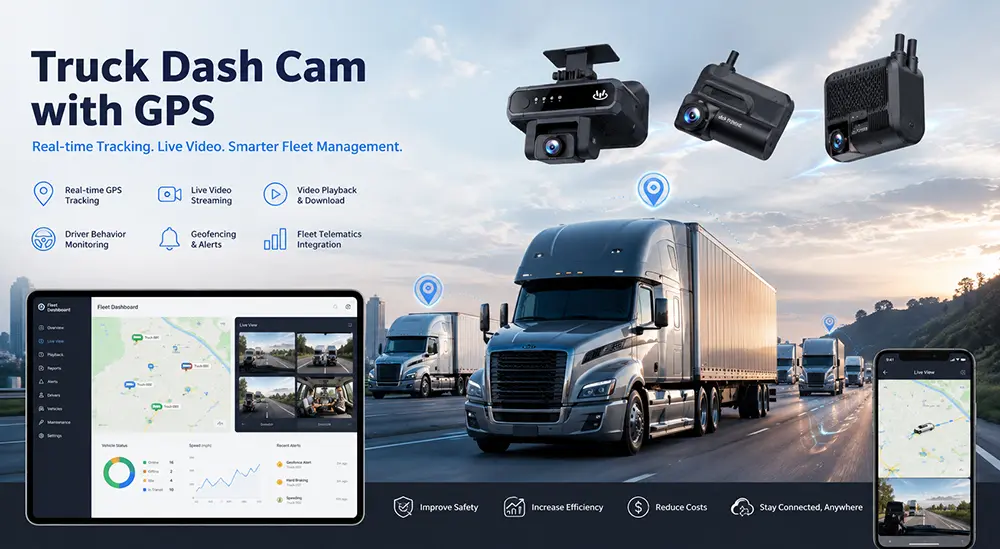
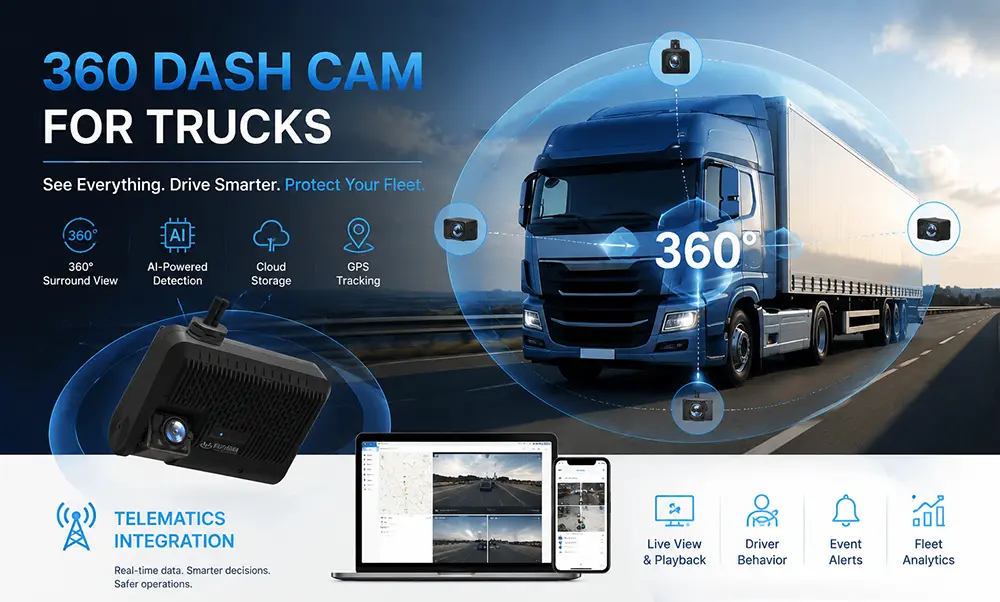
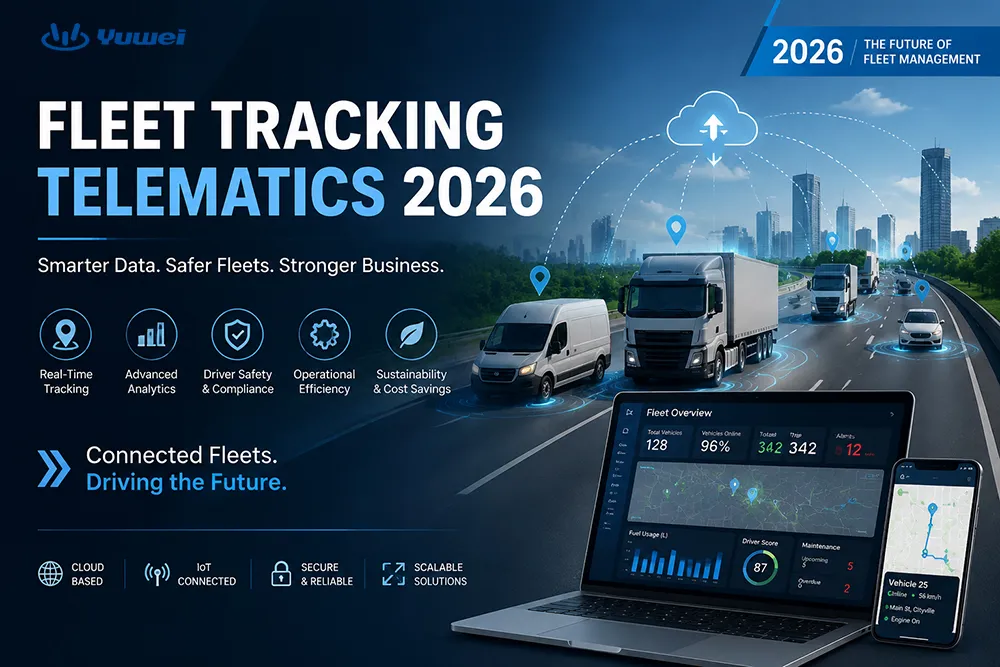
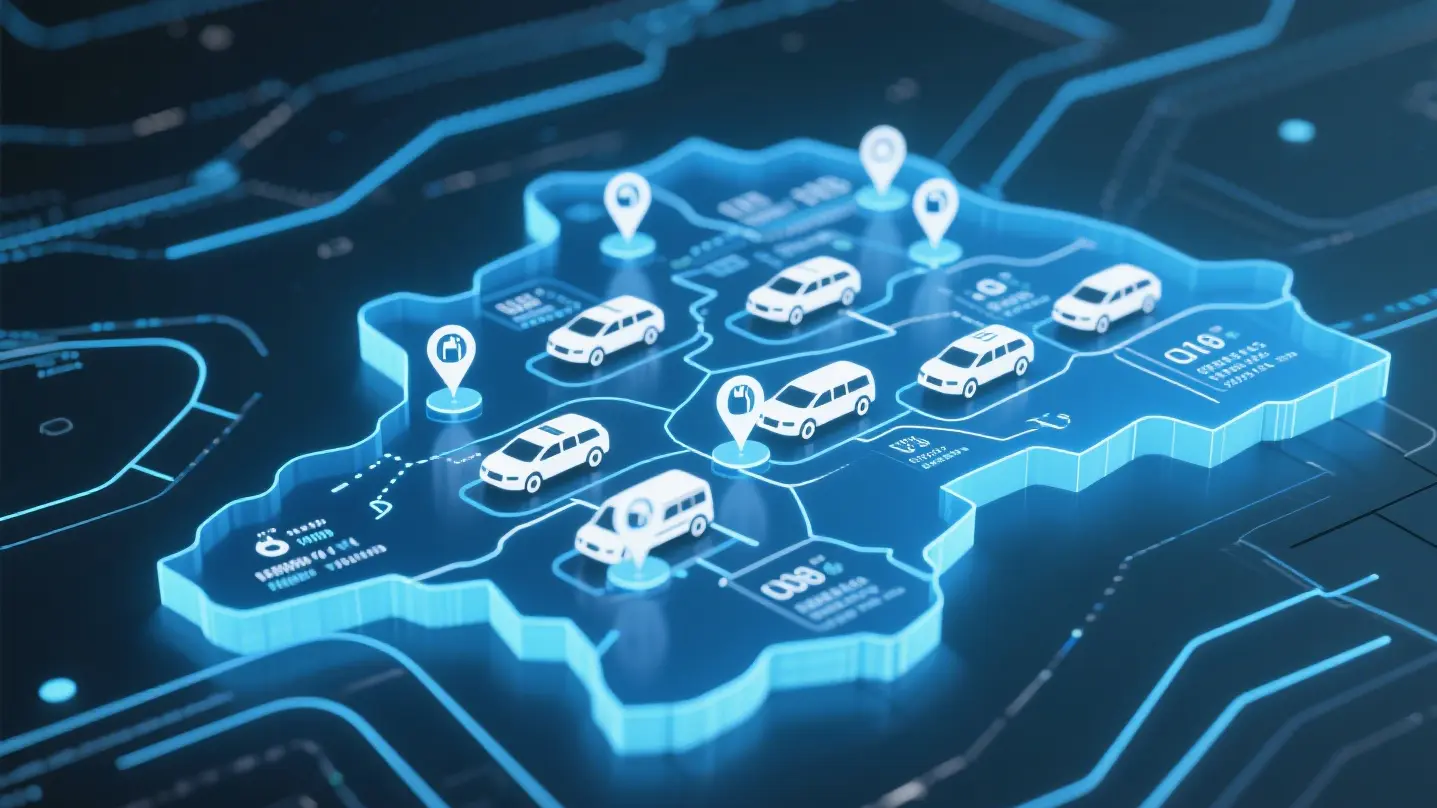
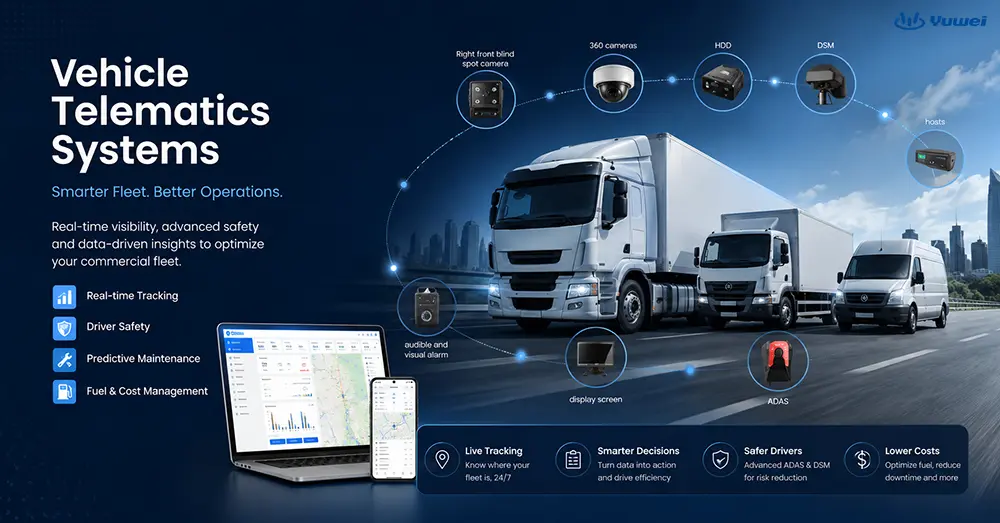
YUWEI Vehicle Telematics System integrates GPS positioning technology, On-Board Diagnostics (OBD/CAN-BUS) and wireless communication networks to monitor the operating status of vehicles and assets in real time.
The system collects vehicle-related data including location, speed, fuel consumption and driving behavior via on-board devices, then transmits the data to the YUWEI cloud platform for analysis and management.
Key Definition Points
• Track vehicle locations using GPS
• Retrieve vehicle operating data through on-board diagnostic interfaces
• Transmit data to the YUWEI cloud platform
• Apply to fleet management, safety monitoring and operation optimization
Essentially, telematics turns a vehicle into an intelligent mobile terminal that can upload data in real time.
Core Values of the System
YUWEI Vehicle Telematics System is widely used for the following purposes:
• Improve operational efficiency (dispatching and route optimization)
• Cut fuel and maintenance costs
• Enhance driving safety
• Support compliance management (e.g., driving records)
• Realize visualized management of vehicles and assets
Telematics Vehicle Tracking
Vehicle tracking is one of the core applications of YUWEI Telematics. Its workflow consists of four steps:
1.Vehicle Data Collection
A YUWEI telematics device (black box) is installed inside the vehicle and generally connected to the OBD-II or CAN-BUS interface.
The device collects a wide range of data as below:
• GPS location
• Driving speed
• Trip distance and duration
• Idling time
• Harsh braking / harsh acceleration (driving behavior)
• Fuel consumption
• Engine trouble codes
• Battery voltage
Main built-in components of the device:
• GPS receiver
• Accelerometer
• SIM card and communication module
• Engine data interface
2.Data Transmission
The collected data is sent to the YUWEI cloud system in real time via cellular networks through the SIM card.
Transmitted content includes:
• Real-time vehicle location
• Driving behavior data
• Vehicle health status
3.Cloud Processing
The YUWEI cloud platform processes data through the following operations:
• Decoding
• Storage
• Analysis
• Visualization
The system converts complex raw data into readable information:
• Speeding records
• Driving scores
• Route playback
• Vehicle health reports
4.Fleet Management Software
End users (fleet managers) can check the following information on the YUWEI platform:
• Real-time map tracking
• Driving behavior reports
• Vehicle maintenance reminders
• Fuel efficiency analysis
• Safety risk statistics
The above information helps optimize fleet operations and decision-making.
How to Install a Telematics Device in a Car
Step 1: Select Device Type
Common types of telematics devices:
• Plug-and-play OBD devices (the most widely used type)
• Direct wiring devices
• Advanced integrated on-board terminals
Step 2: Connect to Vehicle Interfaces
The device is normally connected to:
• OBD-II interface (for most modern vehicles)
• Or CAN-BUS system
The interface is usually located:
• Under the dashboard near the driver's seat
Step 3: Device Initialization
After installation, the device will automatically:
• Receive GPS signals
• Connect to the network via the SIM card
• Start uploading vehicle data
Step 4: Bind to the Cloud Platform
Users need to complete the following operations on the YUWEI platform:
• Register vehicles
• Bind device ID
• Enable data monitoring
Step 5: Start Data Tracking
The system begins real-time recording of:
• Vehicle location
• Driving behavior
• Travel routes
• Vehicle health status
Recommended Telematics Device (MDVR F4)
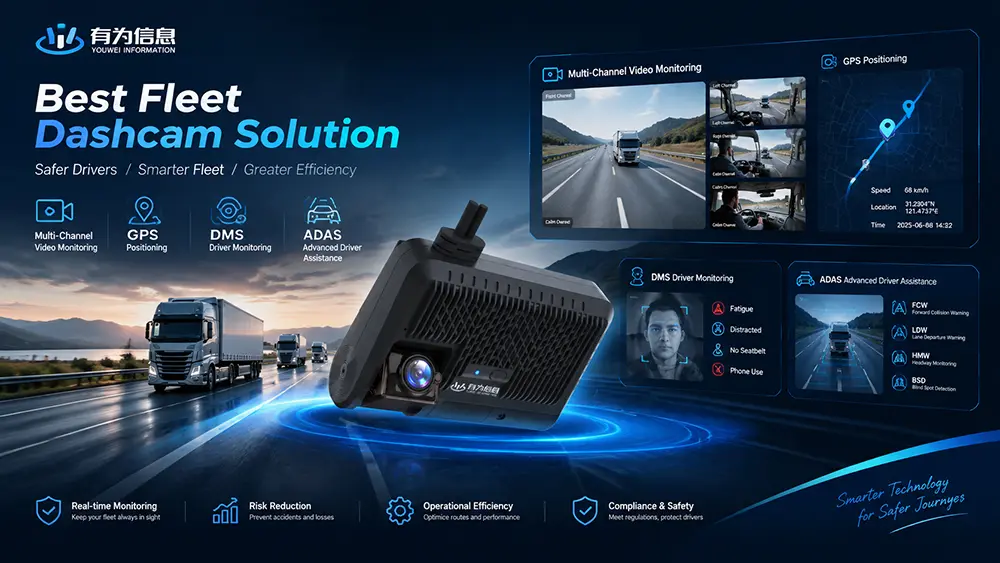
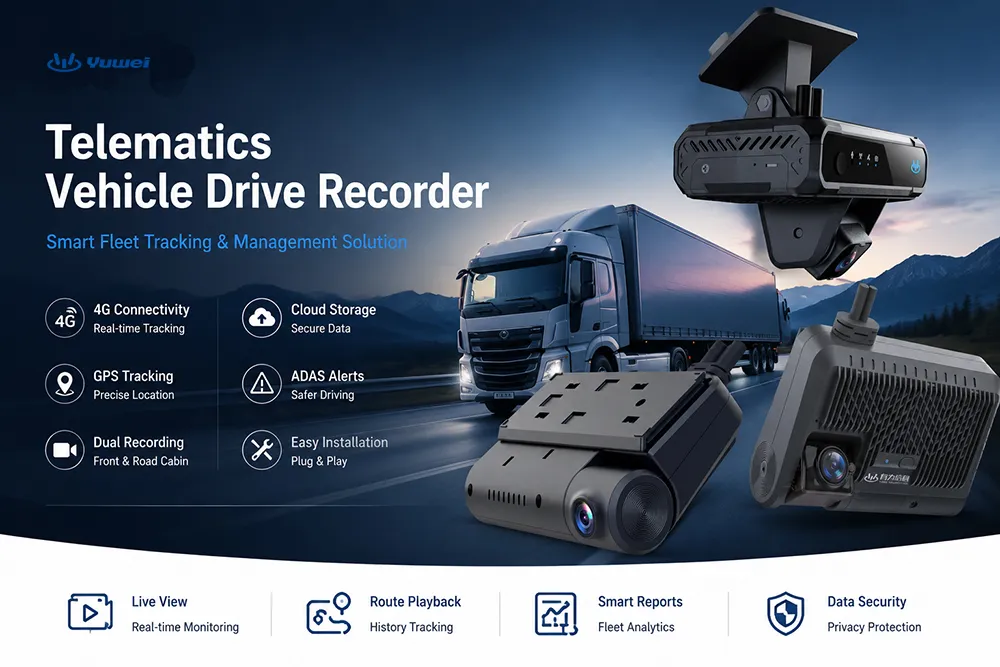
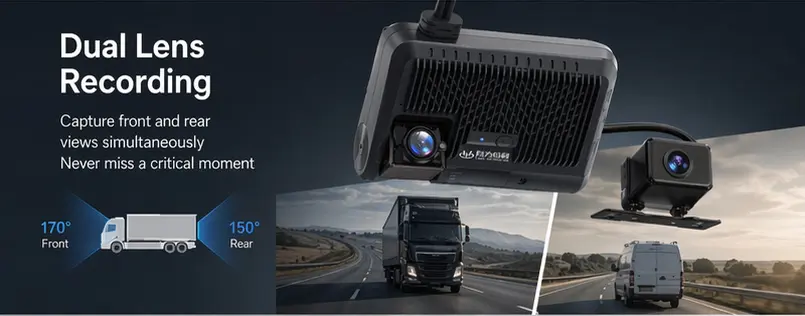
YUWEI MDVR F4 (Full HD Car Mobile DVR) is a typical intelligent on-board terminal. It delivers an all-in-one solution integrating vehicle video surveillance, GPS positioning and AI driving analysis.
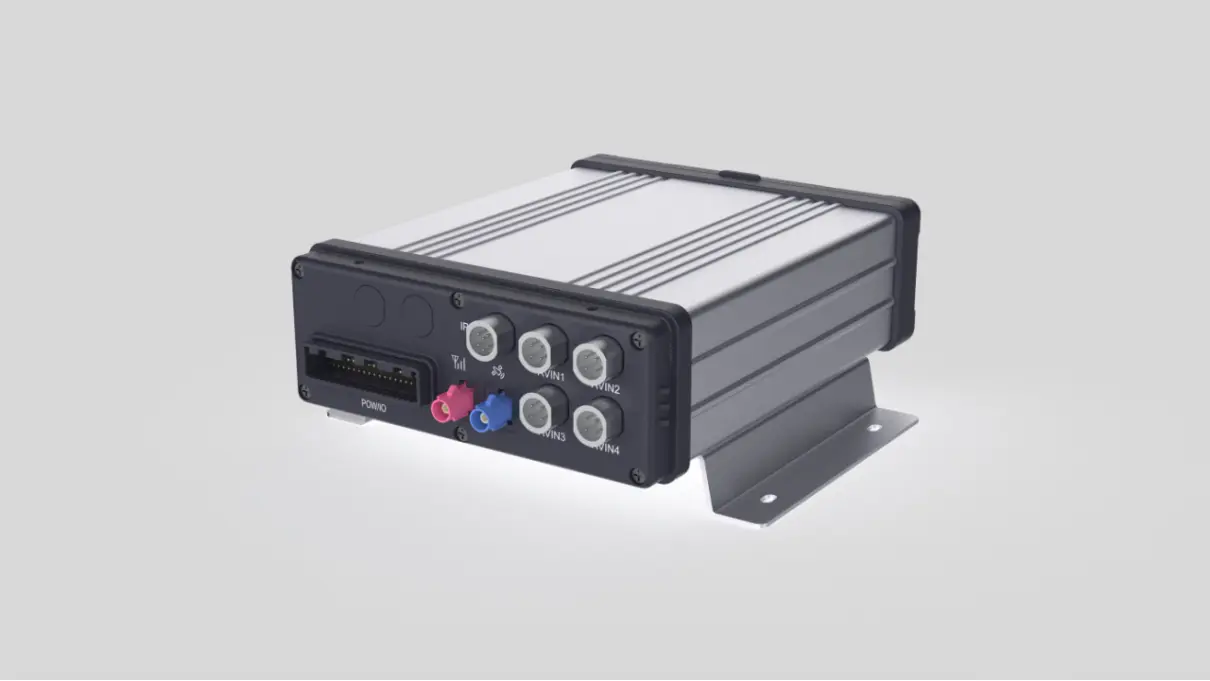
Product Positioning: Intelligent On-Board Monitoring & Core Telematics Device
YUWEI MDVR F4 is an industrial-grade mobile digital video recorder (Mobile DVR). Its core functions are as follows:
• Real-time vehicle video surveillance
• Driving data recording and playback
• GPS / BDS dual-mode positioning
• 4G wireless data transmission
• AI driving safety analysis
Typical application scenarios:
• Logistics fleet management
• Bus and passenger transport systems
• Taxis and ride-hailing vehicles
• Freight and dangerous goods transport vehicles
Core Features
In accordance with YUWEI’s official specifications, the F4 has the capabilities listed below:
1.High-Definition Video Recording & Multi-Channel Monitoring
• Support access of multiple cameras (2 to 8 channels configurable)
• 720P / 1080P high-definition video recording
• H.264 / H.265 video compression
• Panoramic monitoring inside and outside the vehicle
2.Real-Time GPS / BDS Positioning
• Dual-mode positioning system of GPS and BDS
• Real-time vehicle location tracking
• Driving route recording and playback
3.4G Wireless Remote Transmission
• Support global 4G network communication
• Real-time upload of videos and vehicle data
• Remote access and background management
4.AI Intelligent Driving Analysis (Core Highlight)
Equipped with AI visual recognition algorithms, the F4 supports:
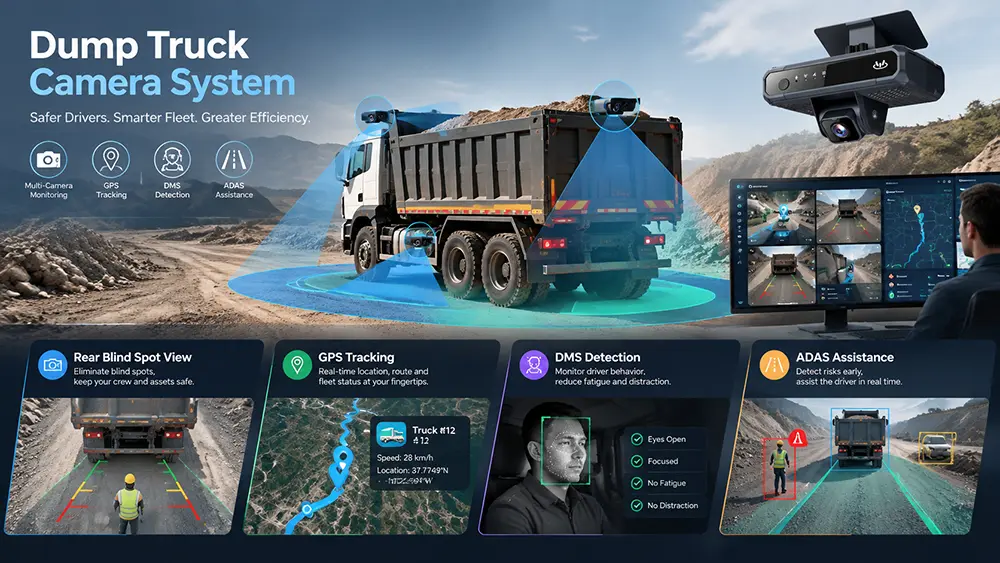
• ADAS (Advanced Driver Assistance System)
• BSD (Blind Spot Detection)
• DSM (Driver Status Monitoring)
• Fatigue driving warning
• Driving behavior safety analysis
This feature improves driving safety and reduces accident risks.
5.Data Storage Capacity
• Support SD card storage
• Expandable storage via SSD / hard disk
• Loop recording and event-based video saving
6.System Expandability
The device supports expansion of peripheral accessories:
• Various types of on-board cameras
• In-vehicle display screens
• SOS emergency alarm button
• Sensors (door status, temperature, load capacity, etc.)
Installation Procedures
The standard installation steps for MDVR F4 are as follows:
1. Connect to the on-board power supply (12V/24V)
2. Install camera systems inside and outside the vehicle
3. Connect the GPS antenna for positioning and route recording
4. Insert a SIM card for 4G network and remote data transmission
5. Bind the device to the YUWEI cloud platform
After binding, users can realize:
• Real-time monitoring
• Video playback
• Vehicle management
Role in YUWEI Telematics System
MDVR F4 serves as the core terminal for data collection, video recording, AI analysis and remote communication in the entire system.
It upgrades conventional vehicles into:
• Video-enabled vehicles
• GPS tracking vehicles
• AI driving analytics vehicles
YUWEI Vehicle Telematics System is essentially an intelligent data system consisting of vehicles, sensors, networks and cloud platforms.
It collects vehicle operating data via on-board devices and transmits data to the YUWEI cloud platform over the network, to achieve the following goals:
• Real-time vehicle tracking
• Driving behavior analysis
• Fleet management optimization
• Cost control and safety supervision
Email:hello@yuweitek.com