









Semi Truck Camera Systems: Backup, Blind Spot & 360° Views for Fleets
Best Semi Truck Camera Systems
Commercial trucks and semi-trucks create significant blind spots around trailer connections, rearview mirror blind areas, side panels, loading docks, cargo areas, and reversing zones. Relying solely on mirrors, drivers often cannot simultaneously see the trailer connection, the right-side blind spot, the rear path, and the cargo status.
A properly configured commercial truck camera system is more than just "an extra point of view." It can provide drivers with real-time visual support during reversing, lane changing, turning, docking, and yard operations. It also provides fleet teams with reliable video records for incident review, claims support, and driver safety training.
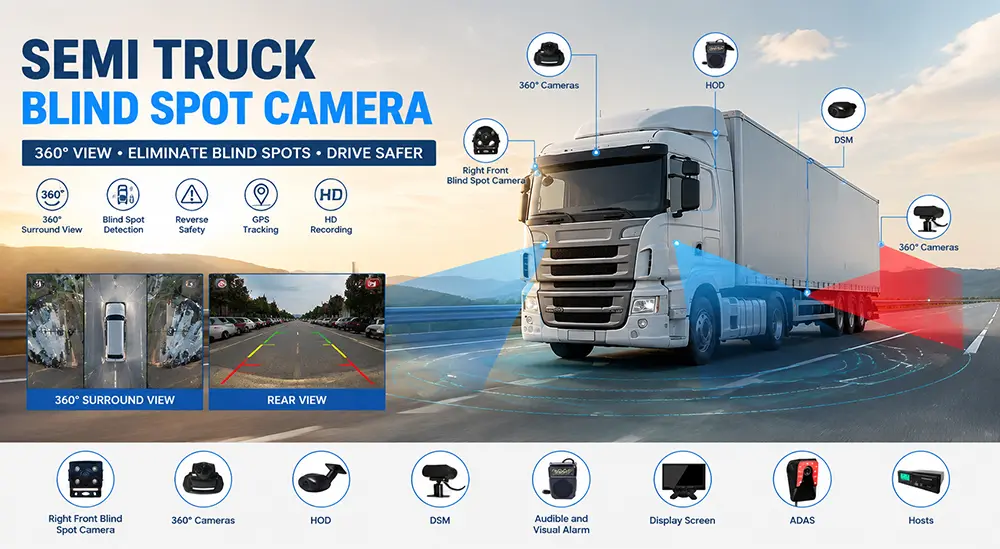
YUWEI can help you configure the right semi-truck camera system, mobile DVR, and monitor solutions based on your vehicle type, trailer configuration, number of cameras, recording requirements, and fleet workflow.
Why Do Commercial Trucks and Semi-Trucks Need Camera Systems?
1. Reduce Blind Spots
The blind spots of commercial trucks and semi-trucks are much larger than those of ordinary passenger vehicles. The right-side blind spot, directly behind the trailer, inside the cargo area, and the loading/unloading zones are all areas that rearview mirrors struggle to fully cover.
Commercial truck camera systems can provide drivers with real-time footage to support reversing, lane changing, turning, docking, and trailer positioning.
2. Evidence Recording
Truck DVR or dash cam systems can record the road, driver, sides, rear, and cargo footage for incident review and claims support.
For fleet managers, video evidence is not only used for post-incident processing but can also be used to identify high-risk driving behaviors and optimize safety training.
3. Driver Support
Camera systems can centralize rear, side, front, and cargo views onto a monitor inside the cab, helping drivers make more informed maneuvers.
4. Fleet Connected DVR, GPS, and Remote Management
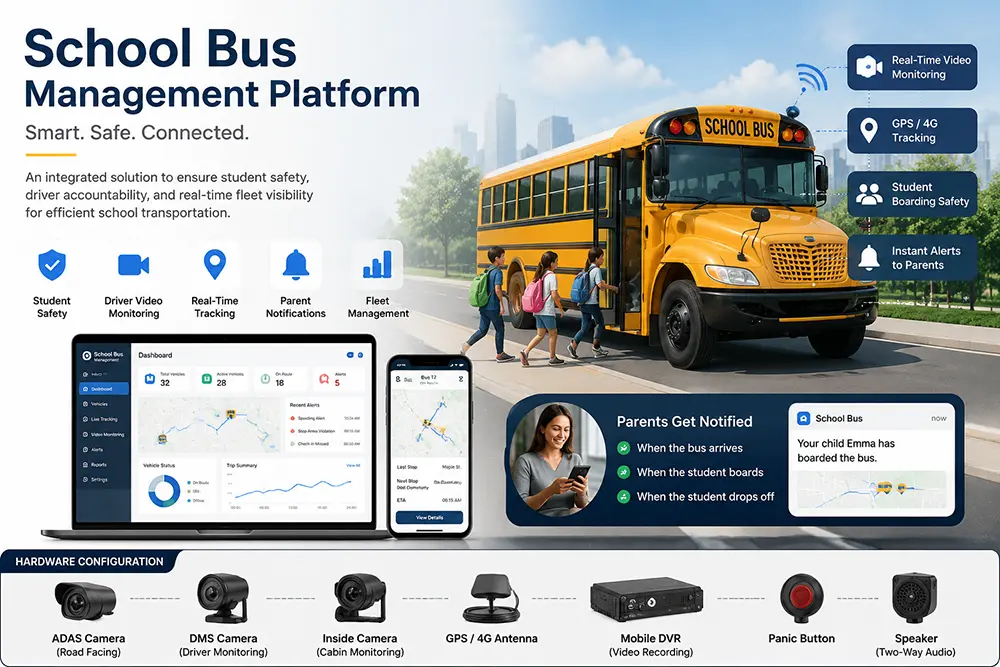
For multi-vehicle fleets, cameras are not just standalone devices. By connecting cameras to a mobile DVR workflow, fleets can combine camera channels, GPS data, event triggers, and remote playback functions to achieve comprehensive video and operations management.
Semi-Truck Backup Camera Systems
Semi-truck backup camera systems are primarily used to improve visibility when reversing, connecting trailers, approaching docks, or monitoring the space directly behind the semi-truck, cab, or trailer.
It is suitable for the following scenarios:
1.Reversing into loading and unloading docks
2.Connecting or disconnecting trailers
3.Low-speed maneuvering in tight yards
4.Monitoring obstacles directly behind the vehicle
5.Recording the reversing and docking process
What Should a Semi-Truck Backup Camera System Include?
A suitable system typically includes:
1.Rearview camera
2.In-cab monitor
3.Cab-to-trailer cable routing, or wireless connection where appropriate
4.Optional mobile DVR recording hardware
5.Optional side-view cameras, cargo cameras, or hitch cameras
If a single rearview camera cannot cover all risk areas, side-view cameras, cargo cameras, or hitch cameras can be added to form a multi-view backup solution.
When choosing a semi-truck backup camera, it is recommended to focus on:
1.Resolution: At least 1080p, to easily identify license plates, road signs, and obstacles.
2.Night Vision Capability: Infrared night vision or low-light sensors.
3.Water and Dust Resistance Rating: To withstand rain, snow, mud, and car wash environments.
4.Connector Type: Automotive-grade aviation plugs or 4-PIN connectors to reduce loosening and corrosion.
5.Monitor Compatibility: Whether it supports multi-channel split-screen.
6.Recording Capability: Whether it needs to connect to a mobile DVR.
Configuration Solutions
Basic Backup Solution:
1 rearview camera + 1 in-cab monitor + optional reverse trigger.
Semi-Trailer Docking Solution:
1 rearview camera + 1 hitch camera + 1 side-view camera + multi-channel monitor + mobile DVR.
Fleet Recording Solution:
Rearview + side-view + dash cam + cargo camera + 4-channel or 8-channel mobile DVR + GPS + remote viewing.
Semi-Truck Side-View and Blind Spot Camera Systems
When semi-trucks are changing lanes, turning, merging, and maneuvering at low speeds in yards, side blind spots are a major source of risk. Side-view cameras can provide drivers with real-time footage of the vehicle's sides and adjacent road users when rearview mirrors cannot provide sufficient visibility.
Blind Spot Coverage and Installation Locations
Side-view cameras are typically mounted on rearview mirror brackets, side doors, or the vehicle body surface. The specific location depends on:
1.Truck geometry
2.Trailer length and height
3.Blind spot area needing coverage
4.Route conditions
5.Fleet safety policies
The placement of the right-side camera is particularly important, as the right-side blind spot is usually one of the most dangerous areas for large vehicles.
Combining with Rearview Cameras
Side-view cameras should not be used alone. Combining the left and right side images with the rear camera can create a more complete view around the vehicle, supporting safer lane changes, turns, and merging.
For long trailers and semi-trucks, it is recommended to prioritize:
1.Right-side blind spot camera
2.Left-side lane change assist camera
3.Rearview backup camera
4.In-cab monitor split-screen display
Truck Dash Cams and Driver Views
When a fleet requires driving evidence, driver incident review, or a clearer record of events before and after an accident, road-facing or dual-lens camera coverage can be added.
Single-Lens vs. Dual-Lens
Single-lens dash cams primarily record the road ahead, suitable for accident investigations and forward collision evidence.
Dual-lens dash cams can record both the road ahead and in-cab activities simultaneously, used for fleet safety reviews, driver coaching, and incident reconstruction.
If a fleet requires remote management, video events can be connected to LTE or DVR workflows to enable remote playback and centralized review.
Cargo and Trailer Camera Systems
When trucks need to monitor the cargo hold, trailer interior, doors, and loading status, exterior vehicle cameras cannot provide the required view. Dome cameras or cargo cameras can help fleets monitor the trailer interior, cargo space, and loading conditions.
Cargo Monitoring Key Points
1.Monitor trailer interior and cargo areas
2.Support loading inspections and cargo condition reviews
3.Record door openings/closings and the loading/unloading process
4.Link cargo transport video with multi-channel DVR recording
For high-value cargo, temperature-controlled goods, or multi-stop delivery fleets, cargo cameras can provide additional security and management value.
Truck Mobile Digital Video Recording Systems
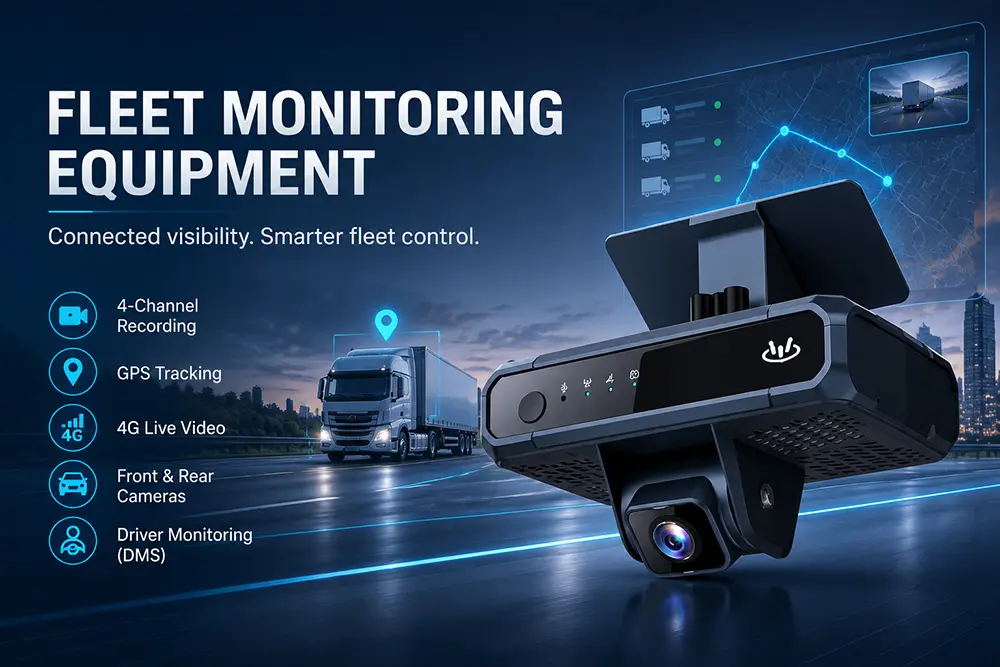
A Mobile Digital Video Recorder (MDVR) is the recording hub for multi-camera truck systems, capable of synchronously recording video from rear, side, dashboard, cargo, and other camera locations.
Multi-Channel Recording Configurations
Mobile DVRs typically support 4-channel, 8-channel, or more channels, suitable for the following configurations:
1.Rearview camera
2.Left and right side cameras
3.Front dash cam
4.In-cab camera
5.Cargo camera
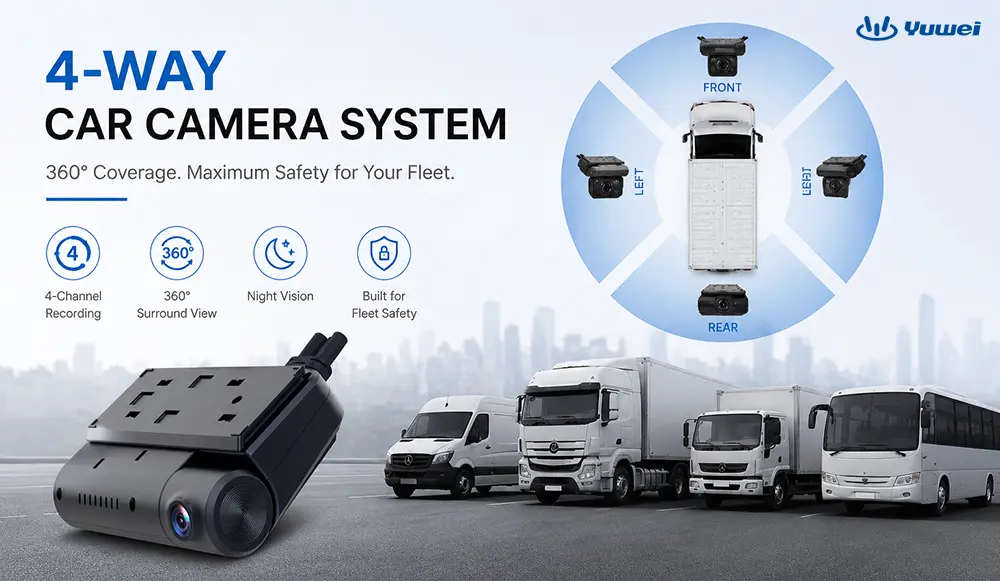
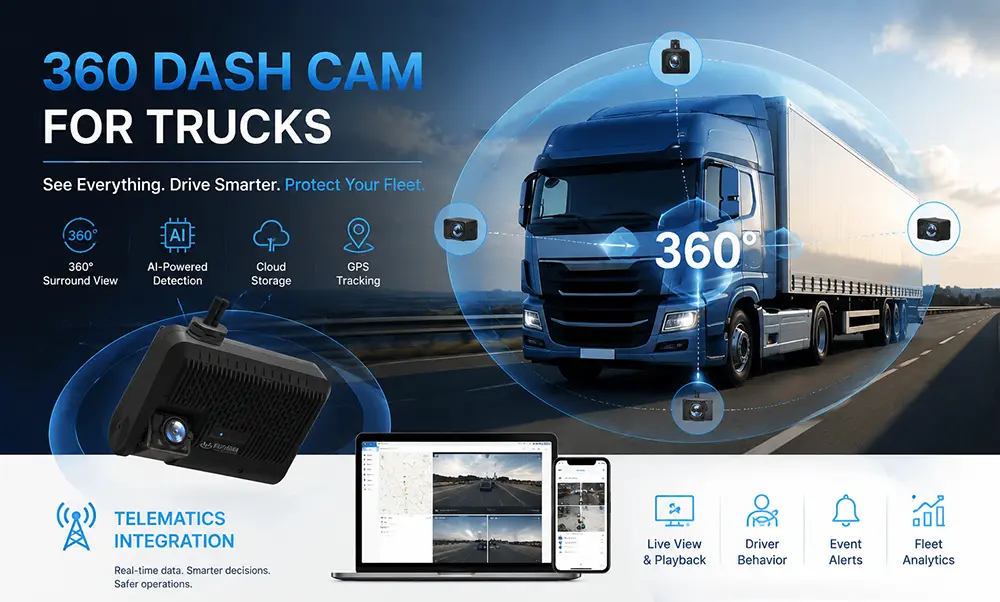
6.360° panoramic camera
It can support structured fleet video reviews, GPS-linked recording, remote access workflows, and better preserve evidence of accidents and operational events.
Which Configuration is Right for Your Fleet?
Practical Application Scenarios
Scenario A: Regional Delivery Fleet
Vehicle Type: Box trucks, approx. 20 vehicles
Pain Points: Side blind spots on narrow city streets, dense pedestrian traffic, frequent reversing
Recommended Solution: Side-view camera + rearview camera + 4-channel DVR + in-cab monitor
Scenario B: Long-Haul Transportation Fleet
Vehicle Type: Semi-trucks, approx. 50 vehicles
Pain Points: Highway lane change accidents, claim disputes, driver behavior management
Recommended Solution: Dual-lens dash cam + side-view camera + mobile DVR + GPS + remote viewing
Scenario C: Port or Yard Operations Fleet
Vehicle Type: Tractors, approx. 10 vehicles
Pain Points: Low-speed docking, pedestrian safety, blind spots within the yard
Recommended Solution: 360° panoramic view + rearview camera + real-time monitor
Email:hello@yuweitek.com